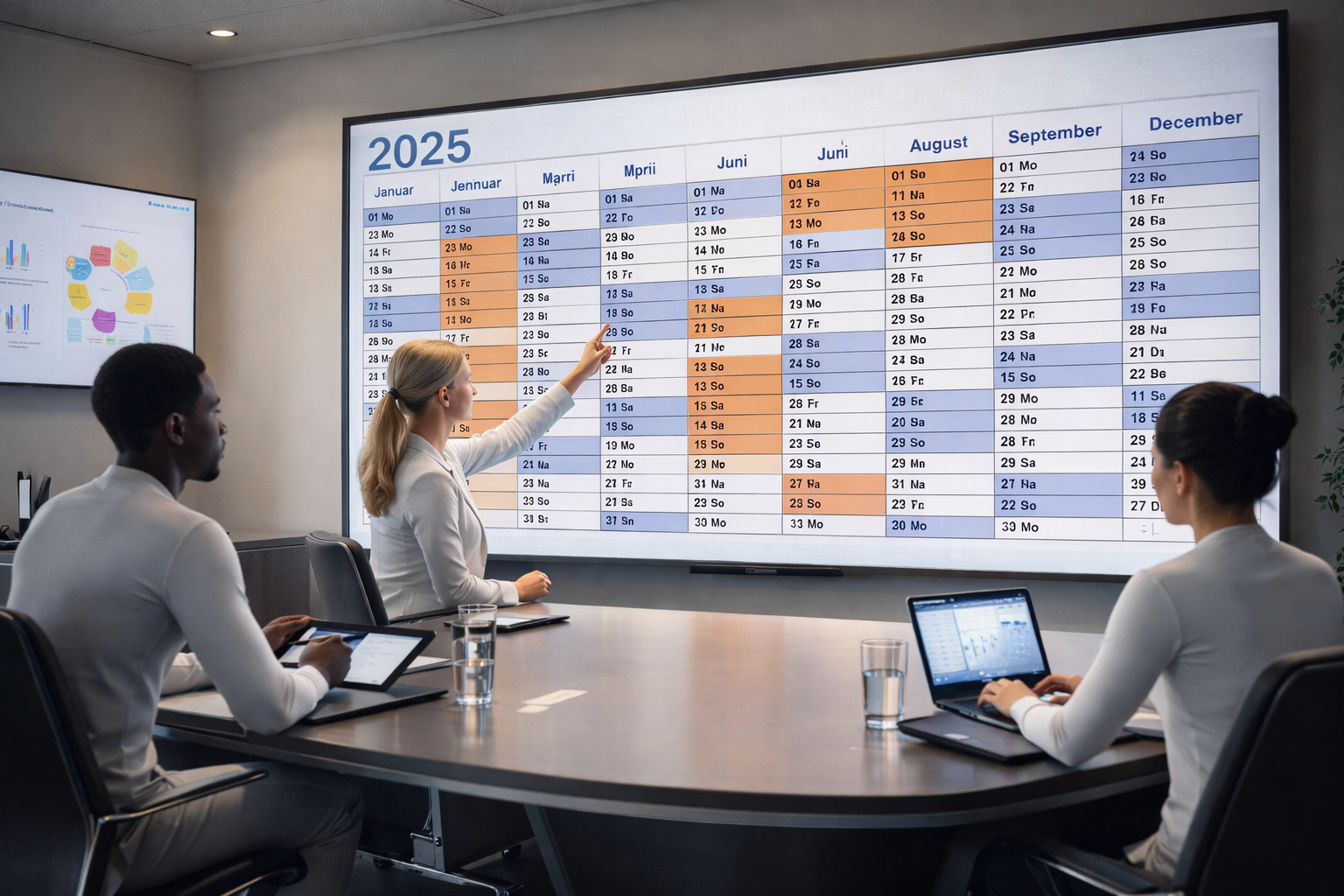
The Hole in Time: Why We’re Digitizing the Wall Calendar
How It All Began
My piano teacher is a modern person with an old problem.
It started with a half-hour drive across the city, ending with me standing in front of the locked door of his music studio. The handle wouldn’t budge, the rooms were dark. A phone call cleared things up but offered no solution: “Today’s lesson wasn’t entered in my main calendar,” he explained calmly, with the confidence of a man who trusts his own system. “I’m in Spain right now.”
The lesson was canceled, but the real issue got discussed at our next appointment. It was a classic media break. Like many people, my piano teacher works in two worlds that don’t communicate with each other.
On one side there’s his smartphone, where he records appointments digitally. But the true authority — his “main calendar” — is analog: the familiar, nearly one-square-meter paper poster hanging on his office wall. His entire planning process depends on an error-prone intermediate step: he reads the dates from the screen and then writes them by hand onto the paper. Most of the time, it works. But when that manual transfer doesn’t happen, the logic collapses — and a hole in time opens up.
His vision was as simple as it was obvious: a digital wall calendar. The entire year on a monitor, controllable via an app, always in sync.
I assumed this was a standard solution, readily available. But my search came up empty. The digital world offered only a frustrating either-or: either a bare-bones yearly overview stripped of detail to save space, or a fragmented weekly view where the rest of the year disappeared into the digital void. The big picture was missing.
No calendar showed what my teacher had on his wall: twelve months, all appointments at a glance.
I brought the idea to the attempto lab. After a brief feasibility check, the decision was clear: we’d build it ourselves. We named the project “Year-Round Calendar.” It was the search for the lost overview.
The requirements were dictated quickly:
-
The hardware: A 4K monitor the size of a classic wall calendar. Only a high resolution makes it possible to read appointment details without a magnifying glass.
-
The brain: A Raspberry Pi behind the display. Small, powerful, and resilient thanks to a massive community.
-
The foundation: iCloud. We didn’t want to run our own server infrastructure, but to build on what already exists. Apple offers a stable interface and an easy authentication.
-
The goal: Technology that disappears. The interface has to be so intuitive that even a non-IT user won’t be defeated by their own wall.
This resulted in the following setup of components:

Hardware Selection
The technology behind the screen was a question of balance. To reliably drive a 4K display, the Raspberry Pi 4 was the logical choice. The newer fifth-generation model was ruled out: its higher power consumption would have required active cooling — and nobody wants a buzzing fan on an office wall.
The real challenge was memory. A modern web browser is resource-hungry, especially when it’s expected to render a complex year-long layout smoothly. A test run with 1 GB of RAM and Firefox failed immediately — the system hit its limits at once. Only switching to the more efficient Chromium browser delivered the necessary stability. To be on the safe side for everyday use in my piano teacher’s studio, the final choice was the 2 GB variant. The monitor connection is simple and compact via mini-HDMI.
Development Details
Since the calendar is hosted on an established web service, we were able to focus entirely on the software for the Raspberry Pi. The architecture consists of a streamlined duo: an Angular application for visualization (frontend) and a Node.js application for background data management.
The separation wasn’t a design whim — it was a technical necessity. The library that handles raw calendar data in iCal format couldn’t be integrated directly into the Angular frontend. But using it was non-negotiable: it manages the “rolling out” of recurring appointments — a complex calculation that ensures e.g. weekly meetings still appear in the correct spot in the digital grid even in six months from now.
Data exchange between these two worlds follows the principle of simplicity. Instead of a complicated interface, the system uses the file system as a handoff point:
The Node.js application retrieves data from the cloud at regular intervals and temporarily stores it as a JSON-formatted file in RAM. This means the SD card doesn’t have to be written to constantly, which helps extend its lifespan.
The Angular app reads this file on the same cycle and renders it on the screen.
Inside the Angular application, three specialized modules keep everything organized, two of which function as standalone services:
-
calender-api.serviceacts as a digital gatekeeper. It reads the data periodically from the file system and immediately compares it with the last run. Only if something has actually changed are the updates passed on. This saves processing power and prevents unnecessary screen refreshes. -
Behind the gatekeeper,
calender-data.servicehandles the fine work. It sorts each day’s appointments chronologically and converts them into a format the application can process directly. Once a full year’s dataset is prepared, it’s pushed in real time to the display component via a so-called RxJS-Subject — a kind of digital data stream. -
Finally, the
calendar.componentdelivers the visible result. It’s responsible for rendering the entire year. Thanks to the specialized cdk-table library, the underlying HTML stays lean and manageable, even while handling hundreds of appointments at once. The component simply taps into the data stream from the prior service: whenever new data flows in, the view updates automatically.
The overall structure of the application can be illustrated as follows:

This makes the system almost invisible in daily use. A simple reach behind the monitor is all it takes: a compact two-button keyboard allows quick switching between years. On the screen itself, only the pure information remains. In “kiosk mode,” all browser bars disappear — what’s left is a clean digital representation of the year.
The system is designed for complete maintenance-free operation and security. For fire safety, the Raspberry Pi powers down automatically each evening and restarts in the morning. On this cold start, it checks GitHub for new releases. If an update is available, it installs itself automatically. The calendar stays up-to-date without any administrative effort.
Launch and Feedback
By summer 2025, it was ready. I drove to my piano teacher’s studio and we got to work: a large TV — more than sufficient for a static year view — replaced the paper on the wall. The Raspberry Pi was connected quickly, and the cold start ran flawlessly. We tested it: a new appointment entered on the smartphone appeared seconds later on the 4K screen. The era of misunderstandings was over. “Since then, my life has been much more organized,” my piano teacher says today.
The hole in time is patched. But the possibilities for this kind of digital planning are just beginning.

Authors

Related Posts

How to unit-test functional Angular-Guards with Jasmine
Discover how Angular 15's shift from class-based to functional route guards changes the game for developers, offering a more flexible approach to securing applications. However, this transition brings its own set of challenges, especially when it comes to unit testing.

Convert Markdown to PDF - the Easy Way
Automatically generate and commit up-to-date PDFs from your Markdown with Husky and Git

Host your own npm registry
Take control of your Software Assets: empower development with Sonatype Nexus-OSS as your self-hosted registry